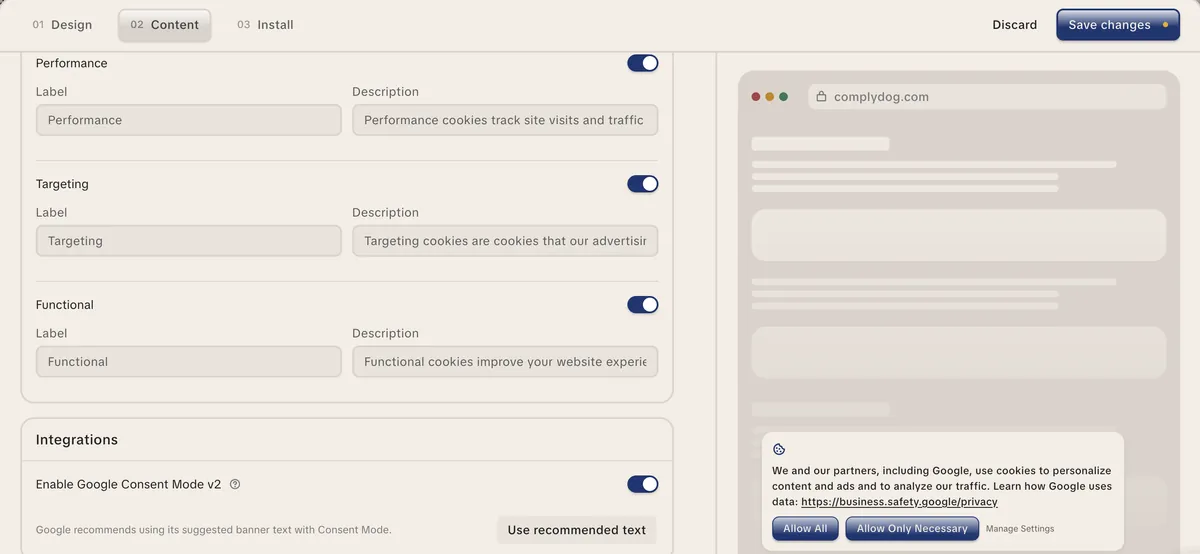
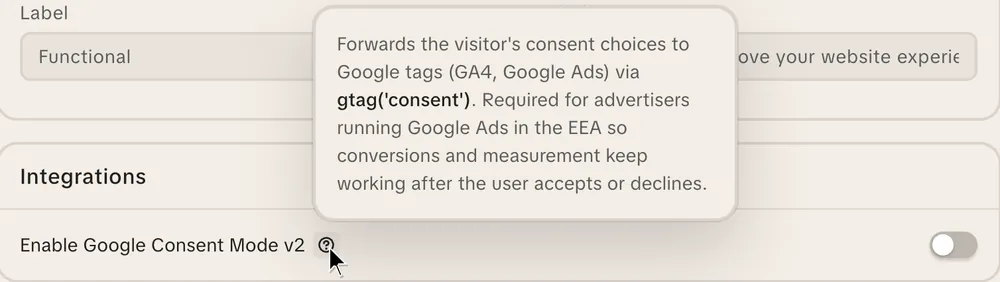
ComplyDog’s cookie banner sends every visitor’s choice to Google automatically. Conversions and analytics keep flowing in Europe, and nothing fires that a visitor declined.
Since March 2024, Google needs a consent signal for every visitor from the EEA, the UK and Switzerland. A banner that records the choice but never tells Google leaves your ads and analytics guessing.
Without Consent Mode, Google can’t measure or model conversions for European visitors properly, so campaigns optimise on less data.
Visitors without a consent signal can’t be added to remarketing lists or used for personalised ads.
With advanced mode, GA4 receives cookieless pings from visitors who decline, so Google can model the gaps instead of losing them.
ComplyDog sets every Google signal to denied when the page loads, then updates it the moment a visitor chooses. Each banner category maps to the Google signals it controls.
Banner category (default name)
Google signals it controls
Targeting
ad_storage, ad_user_data, ad_personalization
Performance
analytics_storage
Functional
functionality_storage, personalization_storage
Strictly Necessary
security_storage (always granted)
Your Google tags load straight away and respect the visitor’s choice, so Google can model conversions from visitors who decline.
A visitor’s saved choice is sent to Google on page load, before your tags fire, with no second click.
Including ad_user_data and ad_personalization, the two signals Google added for v2.
Using Claude or ChatGPT? The ComplyDog connector can tell you whether Consent Mode is switched on.
Best for: sites that add scripts directly
Setup: turn on “Enable Google Consent Mode v2” in your banner settings and add the ComplyDog snippet above your Google tags
Default: denied for every visitor until they choose
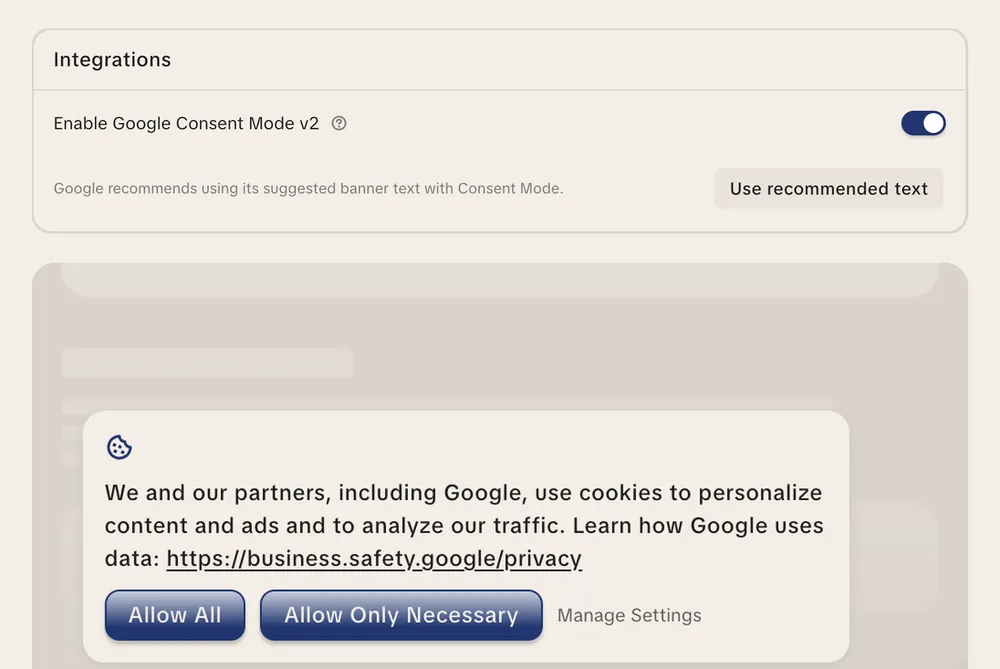
Banner text: one click to use Google’s recommended wording
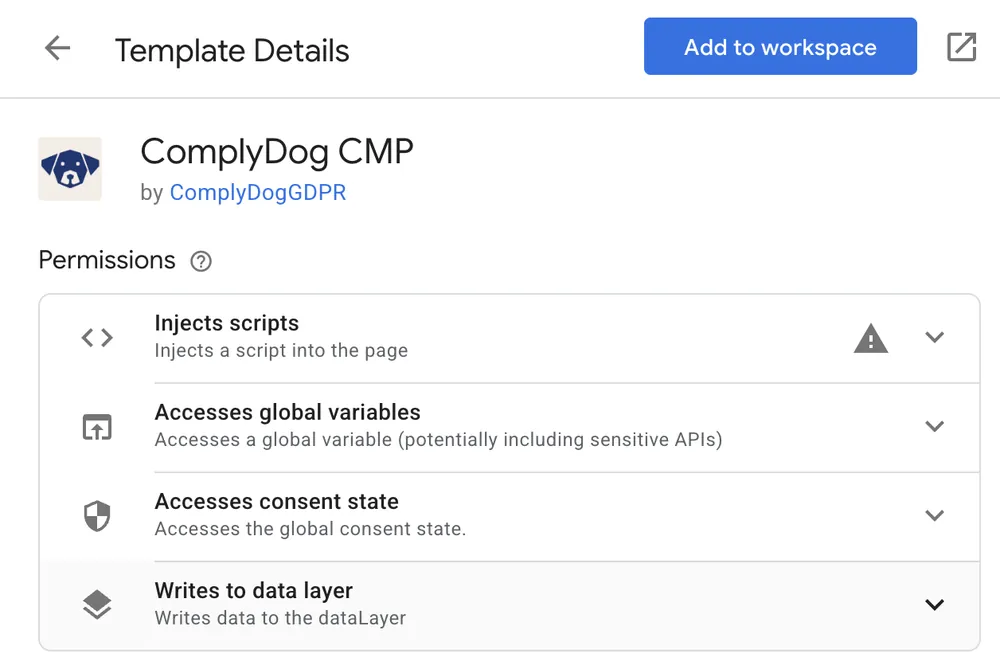
Best for: teams that manage tags in Tag Manager
Setup: add the ComplyDog CMP template from the Community Template Gallery, enter your campaign ID and fire it on Consent Initialization - All Pages
Default: denied by default, with optional overrides per country or US state, for example denied in the EU and granted elsewhere
Banner text: the same banner, loaded by the template
Use one or the other on a page, not both. New to ComplyDog? Start with the cookie consent banner.
The most common Consent Mode failure is a banner that collects consent but sets Google’s default too late. ComplyDog’s debug mode checks this for you.
A panel on the page shows whether ComplyDog set the consent default before your Google tags loaded.
If a Google tag loaded first, the panel tells you to move the ComplyDog script above it.
Under Goals → Conversions → Diagnostics, Google shows whether it’s receiving consent signals.
Step-by-step guide: How to test Consent Mode with debug mode.
Google has two separate requirements, and most software companies only face one of them.
If you…
Google requires
Typical example
Run Google Ads or GA4 to bring people to your own site
Consent Mode v2 sending each visitor’s choice
A SaaS company advertising its free trial
Show Google ads on your site through AdSense, Ad Manager or AdMob
A Google-certified CMP that supports the IAB TCF
A news site or blog earning ad revenue
ComplyDog is built for the first group: companies that advertise, not sites that sell ad space. Publisher rules: Google AdSense Help.