





Free GDPR Cookie Consent Banner

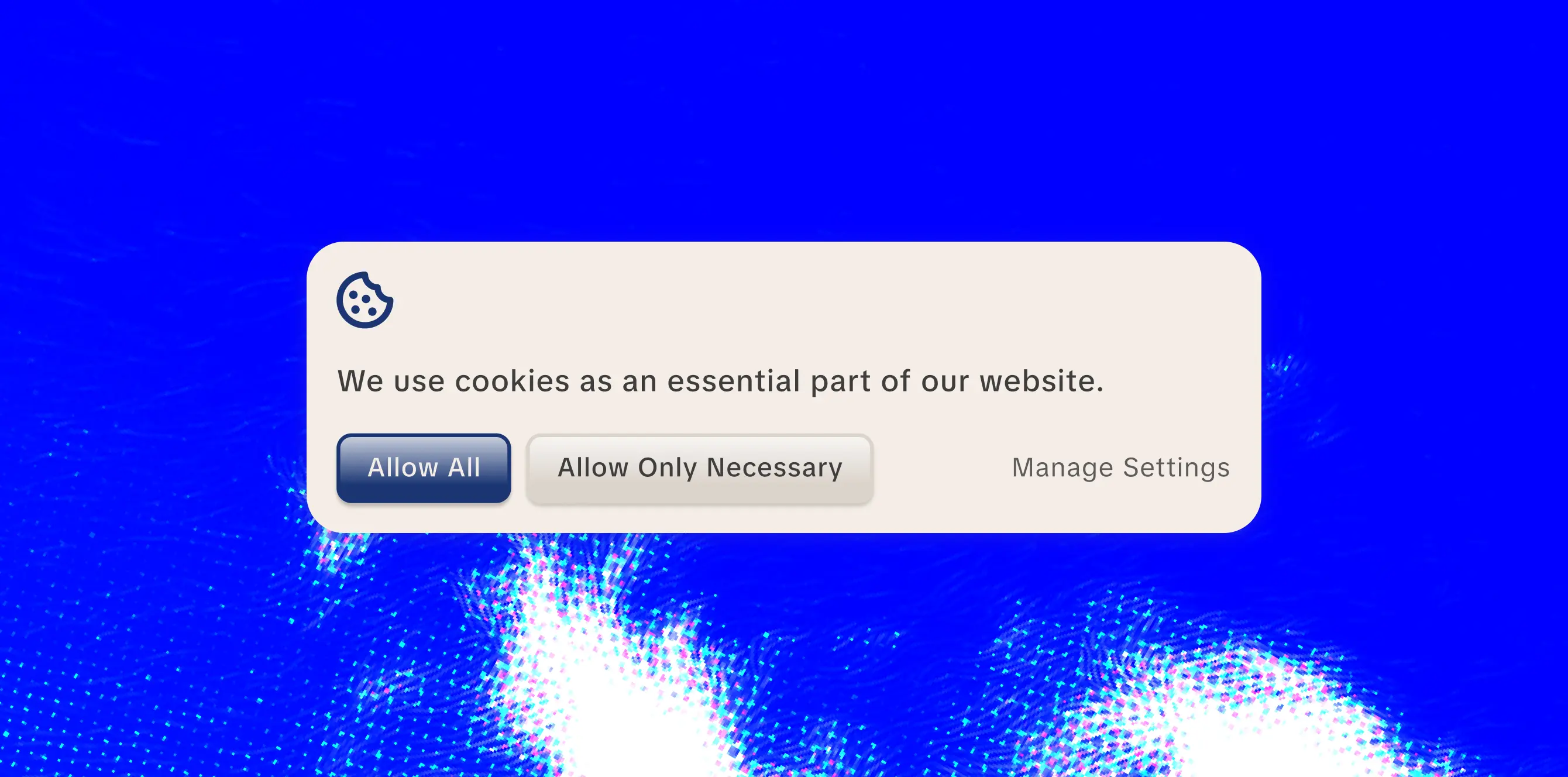
Looking for a free cookie consent banner? ComplyDog's banner is fully GDPR-compliant, fully customizable, and installs with a simple copy-paste.

100% free. 1-minute install. No account needed.

Trusted by Software Companies

Logo Logo Logo Logo FlybyOps Logo Logo Logo Logo
02 Content
03 Install

Design

Colors, layout, and positioning for the cookie banner.

Theme Presets
Quick start
ComplyDog
Ocean
Lavender
Rose
Ember
Mint
Colors
Button Background Color
Button Text Color
Background Color
Primary Text Color
Button Highlight Color
Button Type
Raised
Flat
Layout

Button Border Radius

12px

Cookie Widget Border Radius

24px

Cookie Widget Max Width

574px

Placement & Icon

Position

Icon

Default
Custom
None

Frequently Asked Questions

If your site sets non-essential cookies, such as analytics, advertising or some embedded videos, and you have visitors from the EU or UK, yes. You need their consent before those cookies load, wherever your company is based. If your site only uses strictly necessary cookies, you don’t need a consent banner, but you should still explain your cookies in a cookie or privacy notice.

It is a short JavaScript snippet that you paste into your website’s head section. It shows the banner, saves each visitor’s choice and tells your other scripts whether they are allowed to run.

A cookie consent tool shows the banner, stores each visitor’s consent choice and keeps non-essential cookies blocked until the visitor agrees. Larger tools, often called consent management platforms (CMPs), also keep consent logs and pass the choice on to services like Google.

Under the GDPR and the ePrivacy rules, consent to cookies must be freely given, specific, informed and unambiguous. In practice that means visitors actively opt in (no pre-ticked boxes), refusing is as easy as accepting, nothing non-essential loads before they choose, and they can change their mind later.

Yes. Creating and installing the banner costs nothing, and you don’t need an account to get the code. ComplyDog’s paid plans cover the rest of GDPR compliance, such as data request forms, DPAs and a subprocessor list, and you only need them if you want those features.

Choose a design, edit the banner text, then click Get the Code. Paste the snippet into the head section of every page, or into your site builder’s custom code or header setting. Finally, make sure your analytics and ad scripts only load after a visitor accepts.

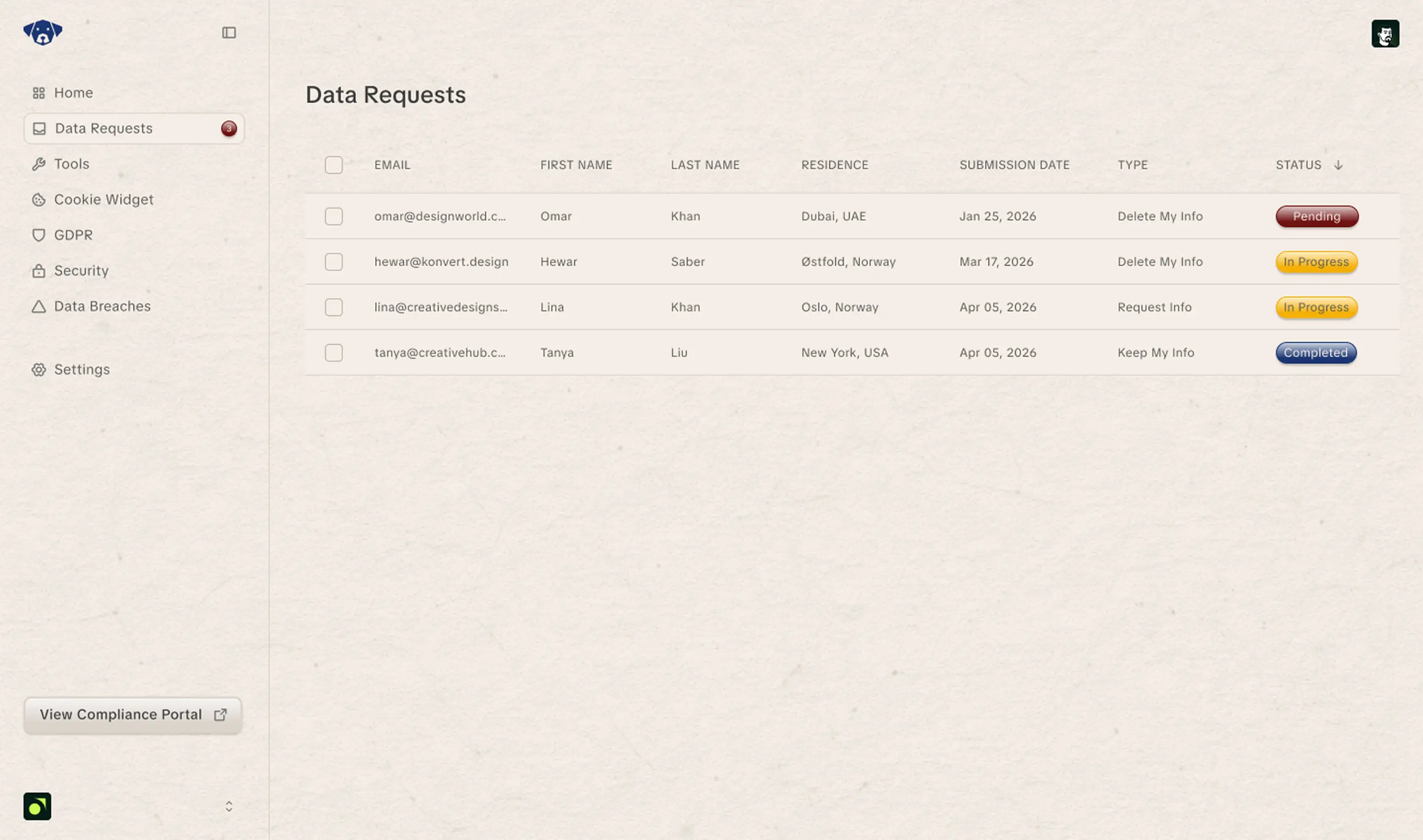
ComplyDog is GDPR compliance software for SaaS companies and small teams. It gives you a compliance portal on your own domain, data subject request forms, signed DPA requests, a subprocessor list and a security page. You can try it free for 14 days.

GDPR Compliant in 30 Minutes.
No Expertise Needed.

ComplyDog sets up your compliance portal and handles your DPA and data requests. You click a few buttons, ComplyDog does the rest.

No credit card required